
Home
See your month at a glance
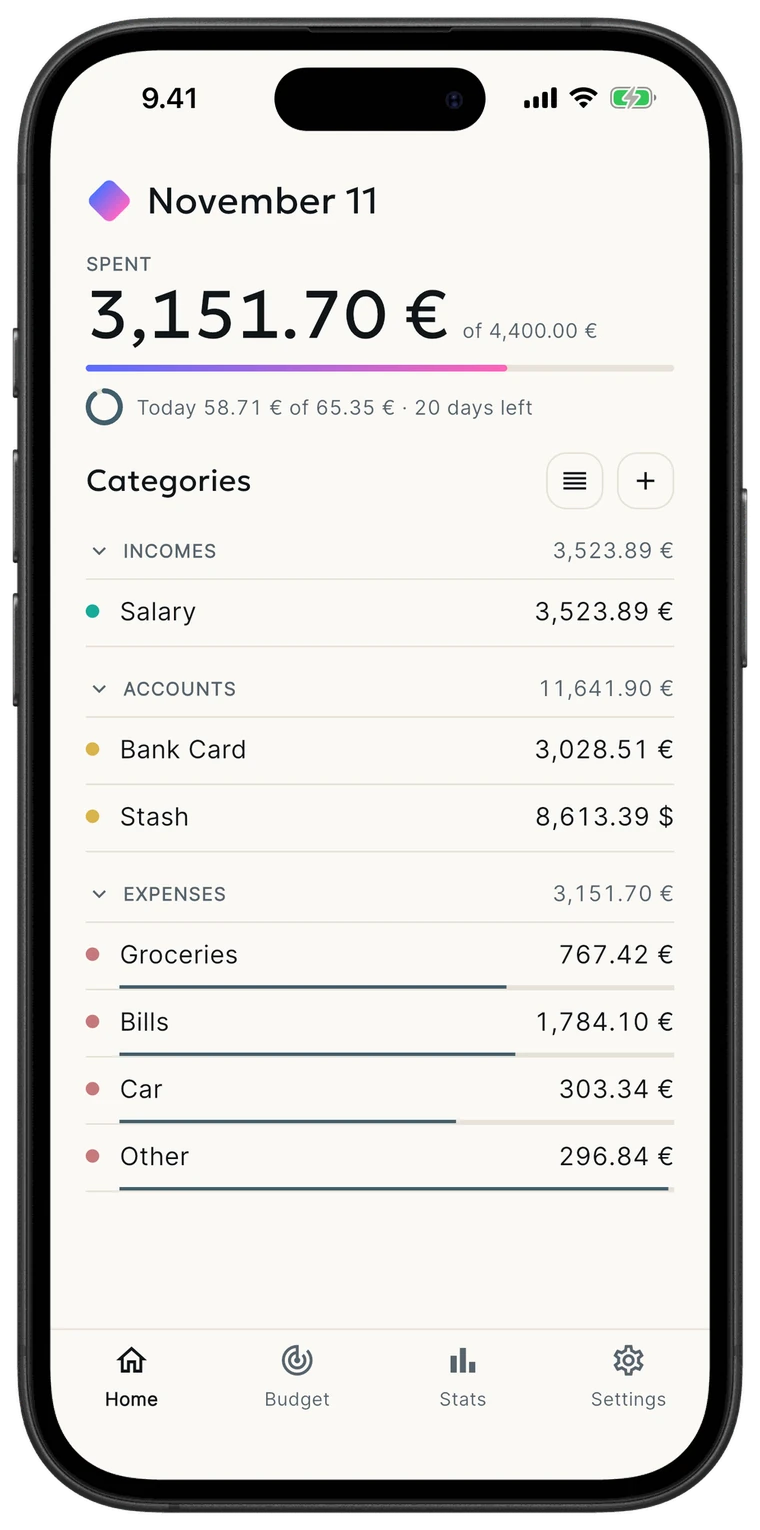
Open the app and see your spending against the monthly budget, what you spent today against your daily budget, and every category with its balance.
Personal finance, offline-first
Your money, calm and clear — expenses, income, budgets and charts in many currencies, private and made for daily use.

Home
Open the app and see your spending against the monthly budget, what you spent today against your daily budget, and every category with its balance.
Budget
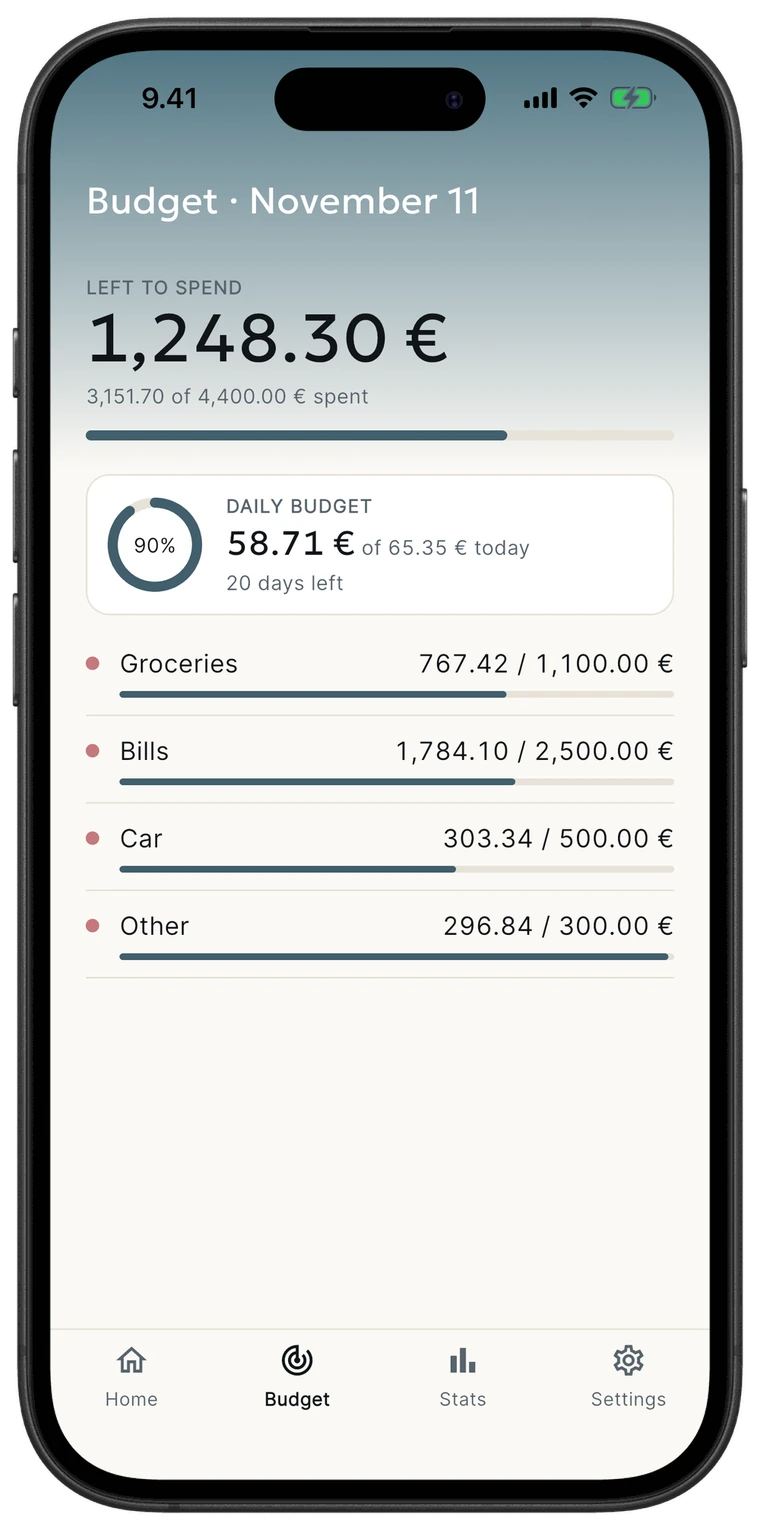
The Budget tab shows what is left to spend, a daily budget, and the progress of every expense category against its own limit.
Monthly
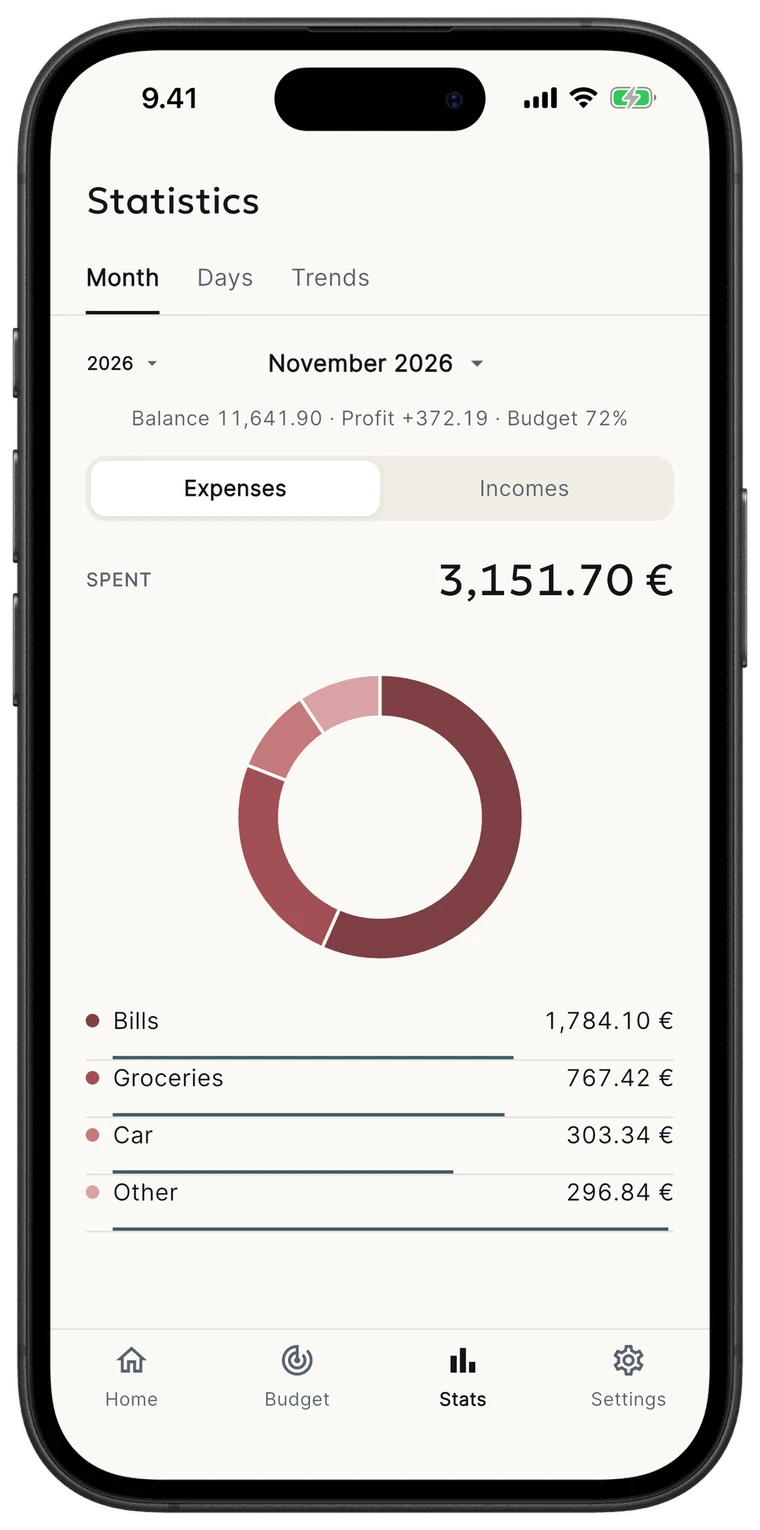
Balance, profit and budget for the month, with a clear breakdown of where each category went.
Trends
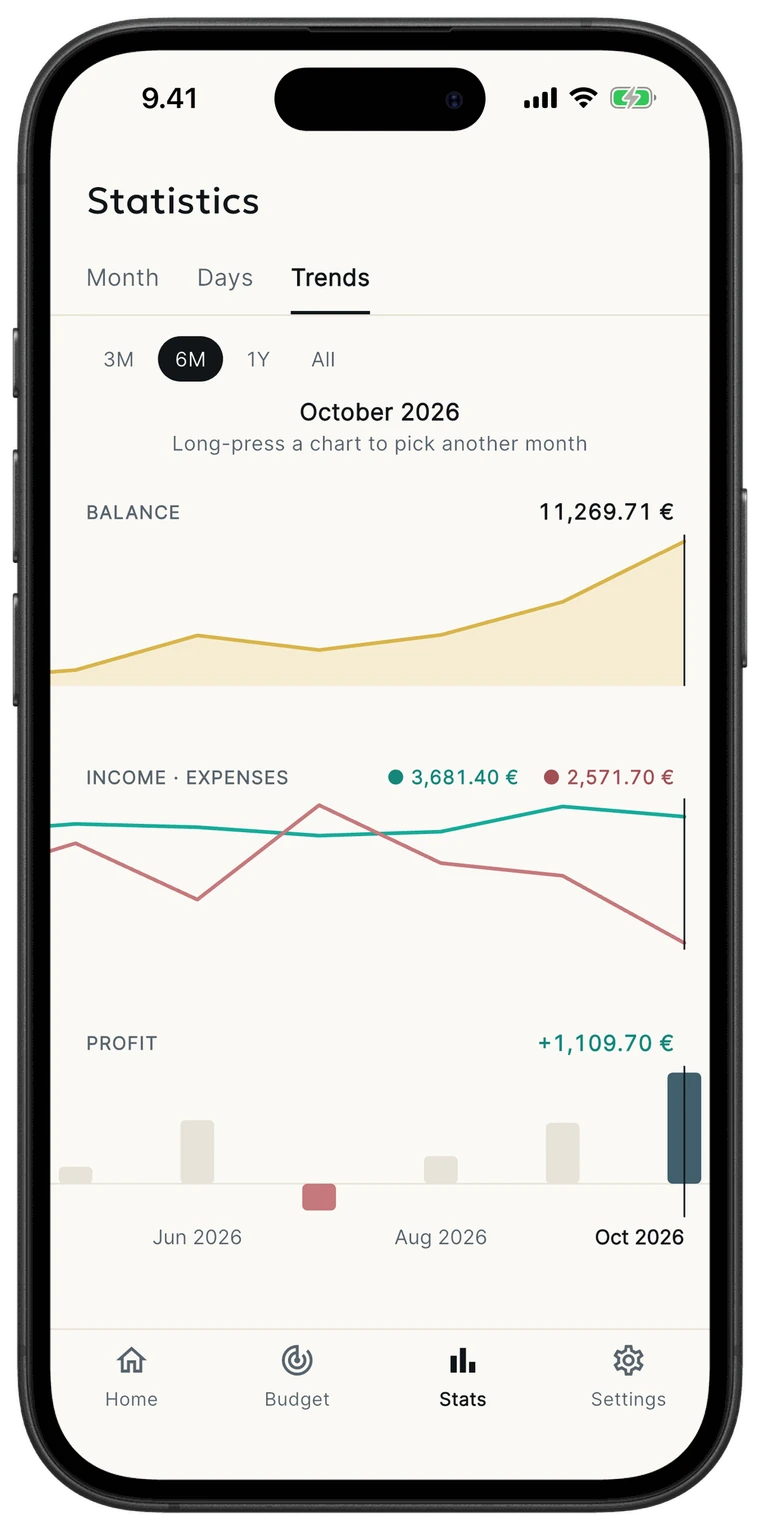
Watch your balance, income versus expenses, and monthly profit over any period — from the last three months to all time.
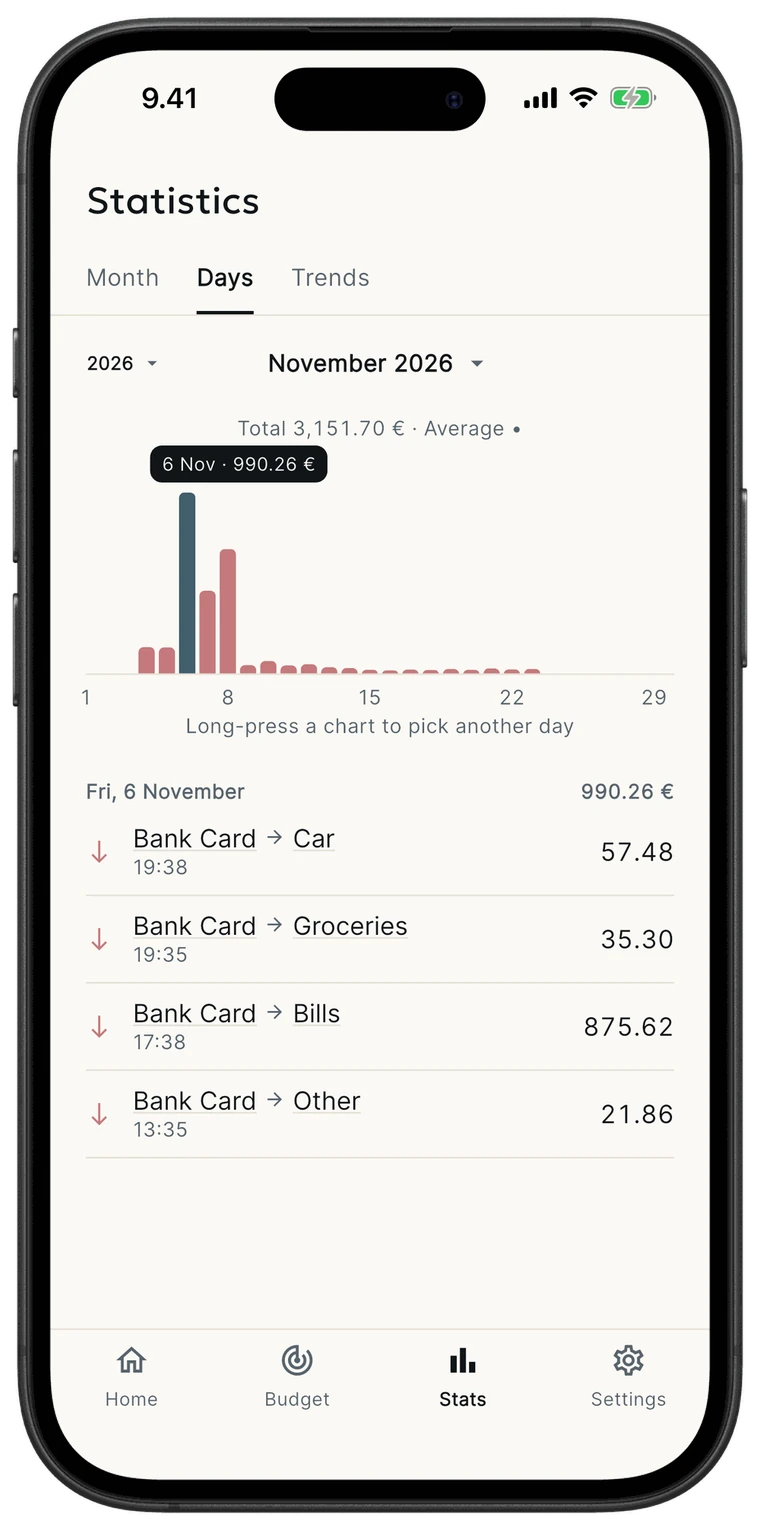
Daily
Pick any day on the chart and see exactly where the money went.
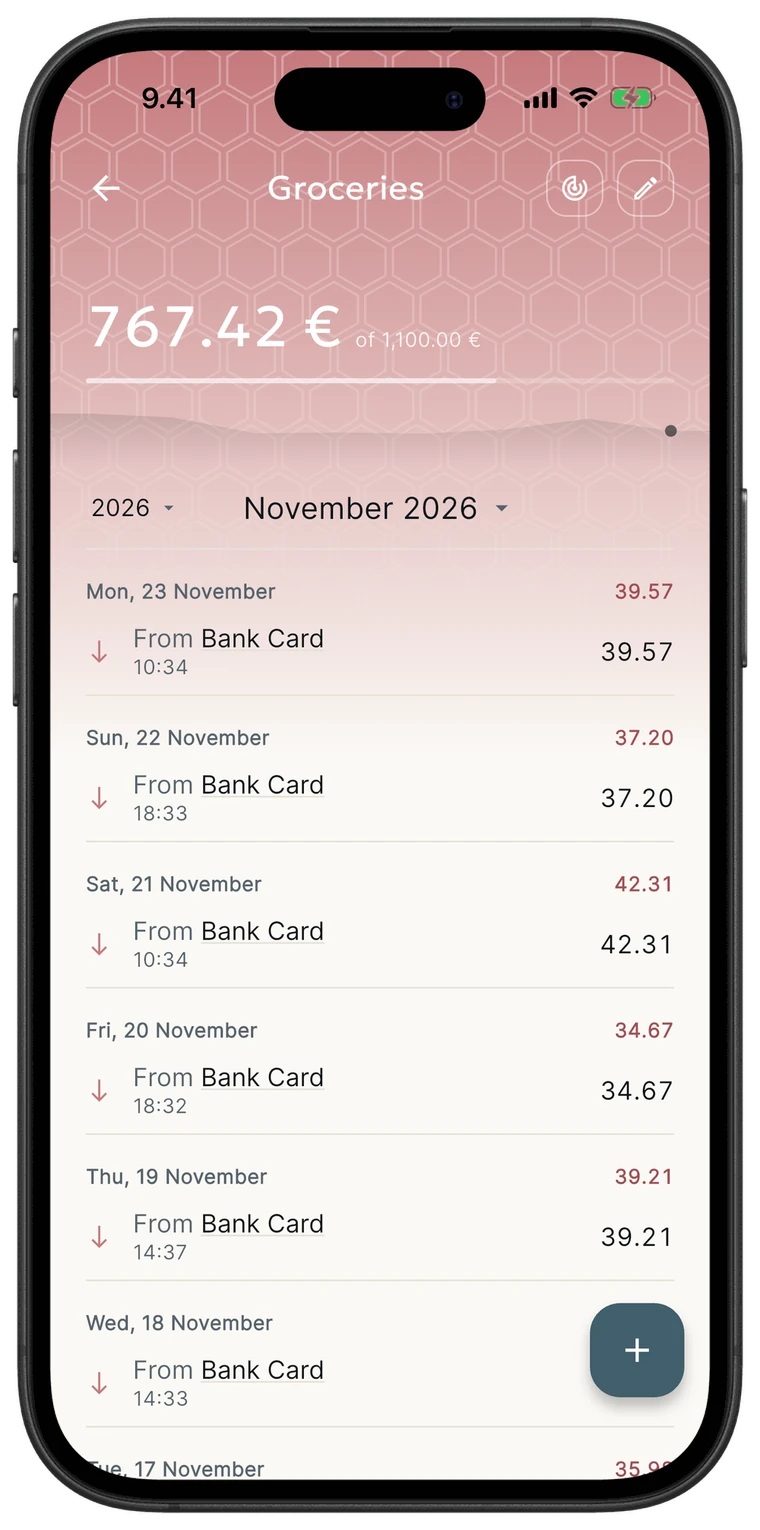
History
Every category shows its full history as a soft chart behind the header, with all transactions grouped by day. Swipe a row to edit, remove or read its note.
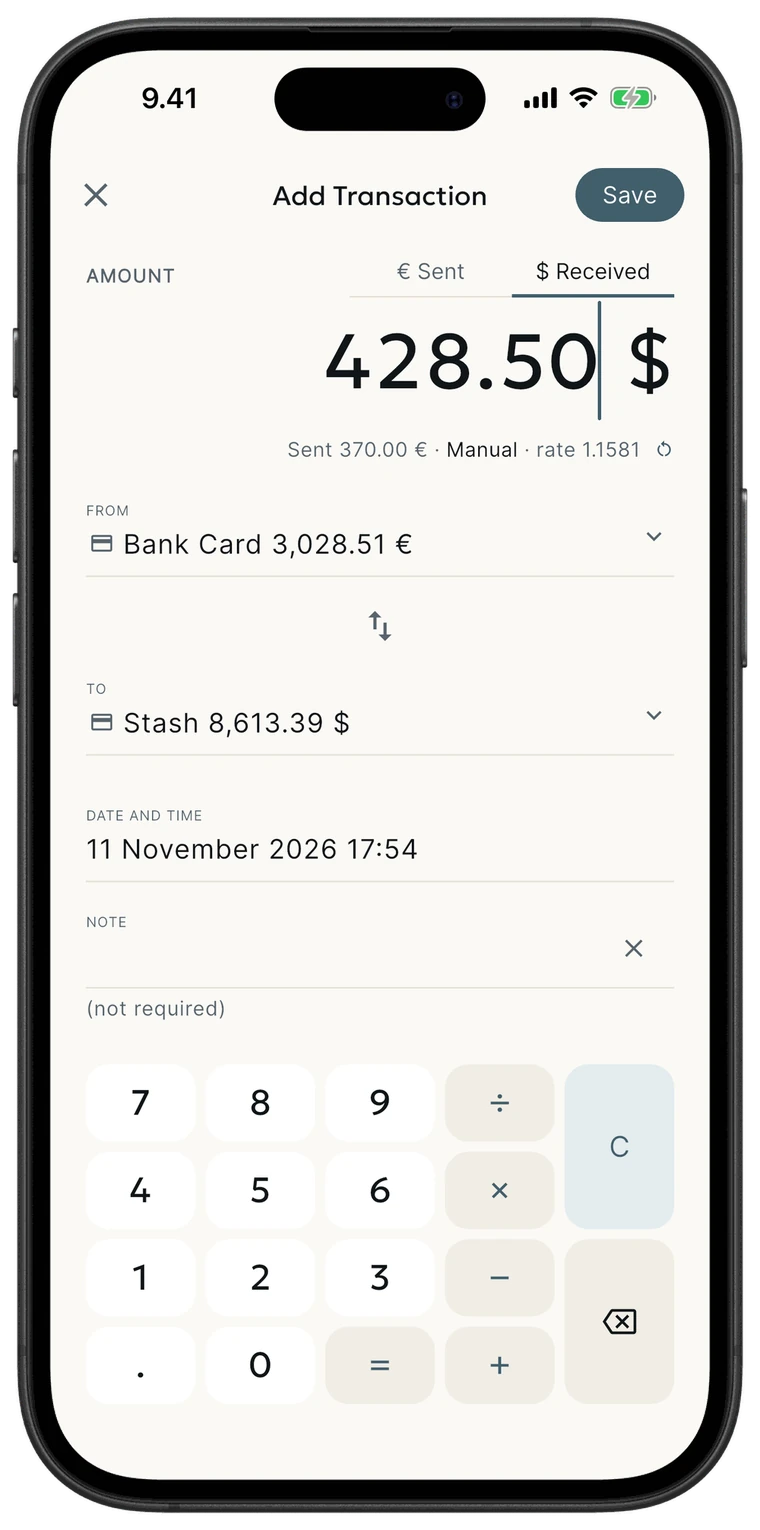
Currencies
Move money between accounts in different currencies and record the exact amount received. The built-in keypad does the math — type 250+120 and myney adds it up.
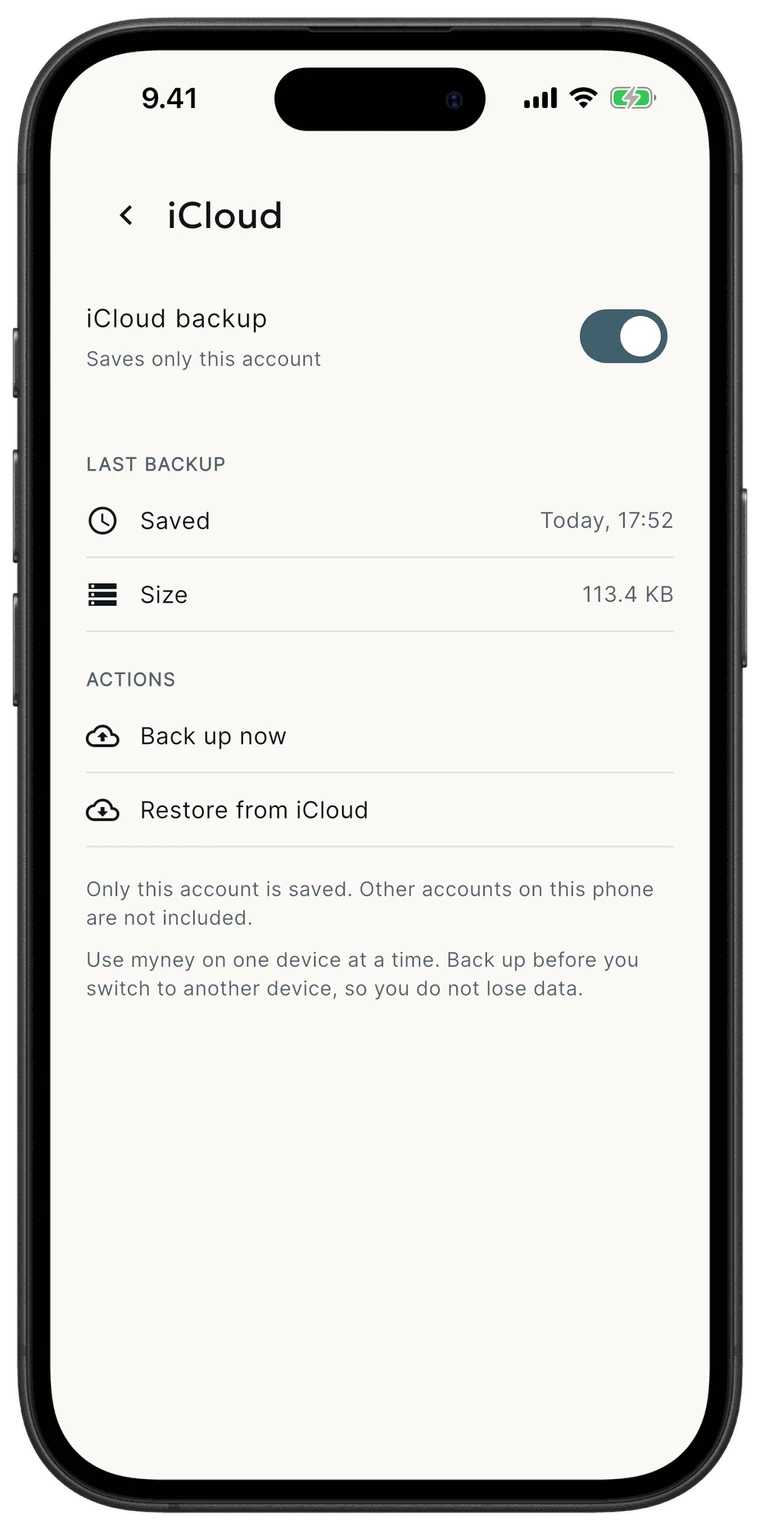
iCloud backup
Turn on iCloud backup and your data is saved to your private iCloud. Change phones, sign in, and restore everything in a few taps.
Your financial data lives on your device in a local database — no analytics, no tracking, no ads.
Track accounts in different currencies with exchange rates that update automatically and exact converted amounts.
Set a budget for each expense category and follow your progress with charts for balance, cash flow and profit.
Keep a copy of your data in your own private iCloud and restore it on a new iPhone in a few taps.
Start tracking your spending the calm, clear, offline-first way.